Step 1
Step 1
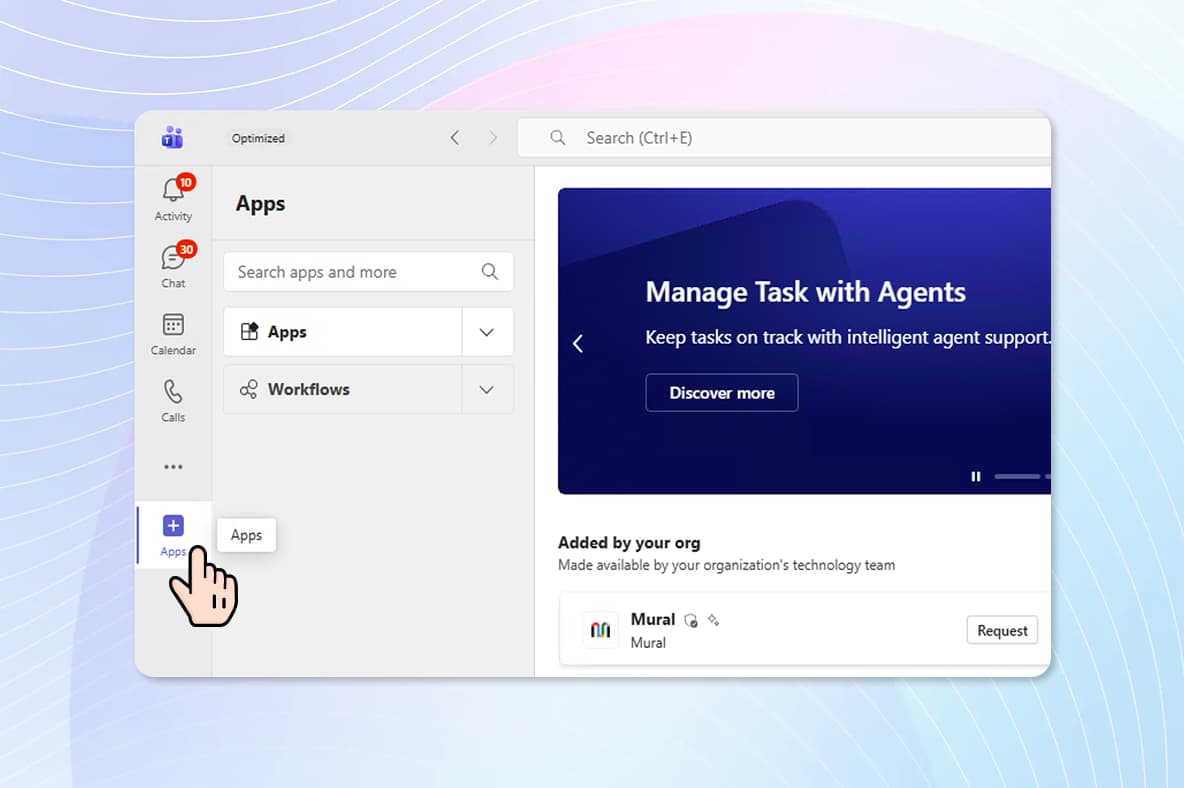
Click the “Apps” button at the bottom of the main toolbar in Teams
FAQ
The MyIT App within Teams is useful when needing IT support. You can open a Chat session with the MyIT Service desk or place a direct call using your Teams client. To install the MyIT App:
Step 1
Click the “Apps” button at the bottom of the main toolbar in Teams
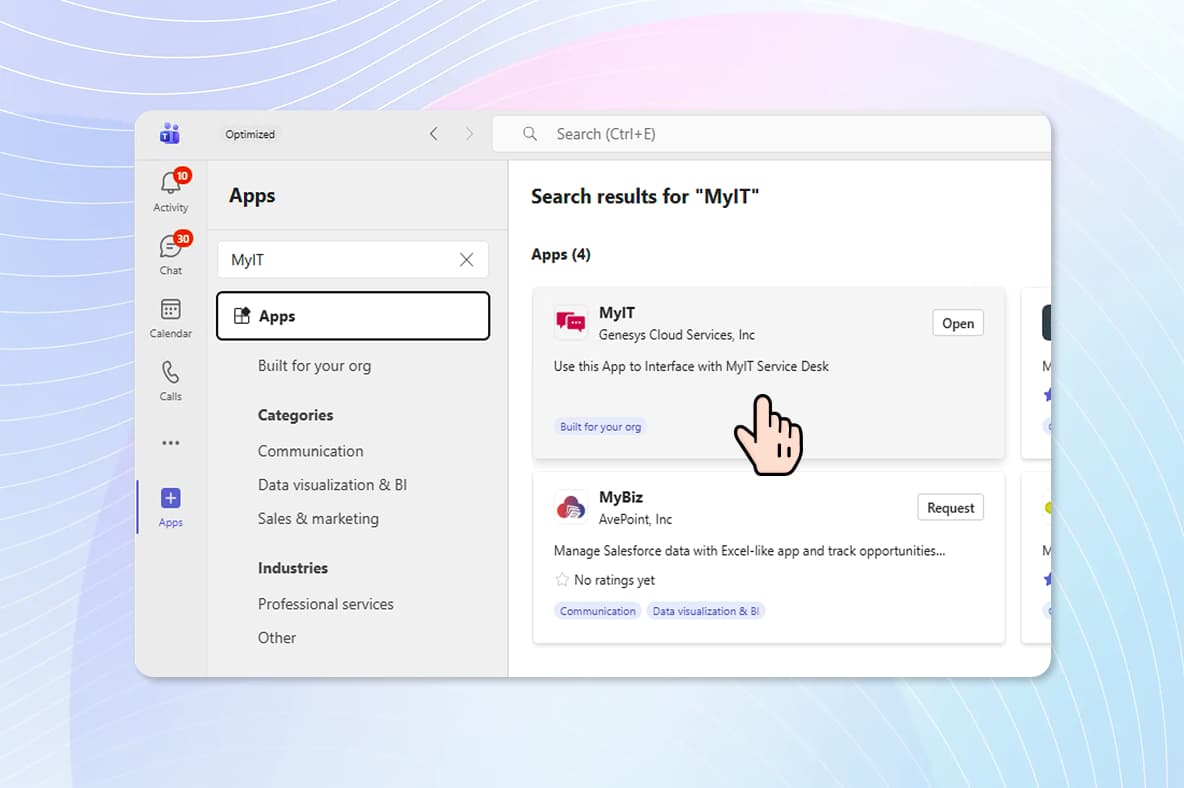
Step 2
Select Add to Install the MyIT App for the MyIT Service Desk.
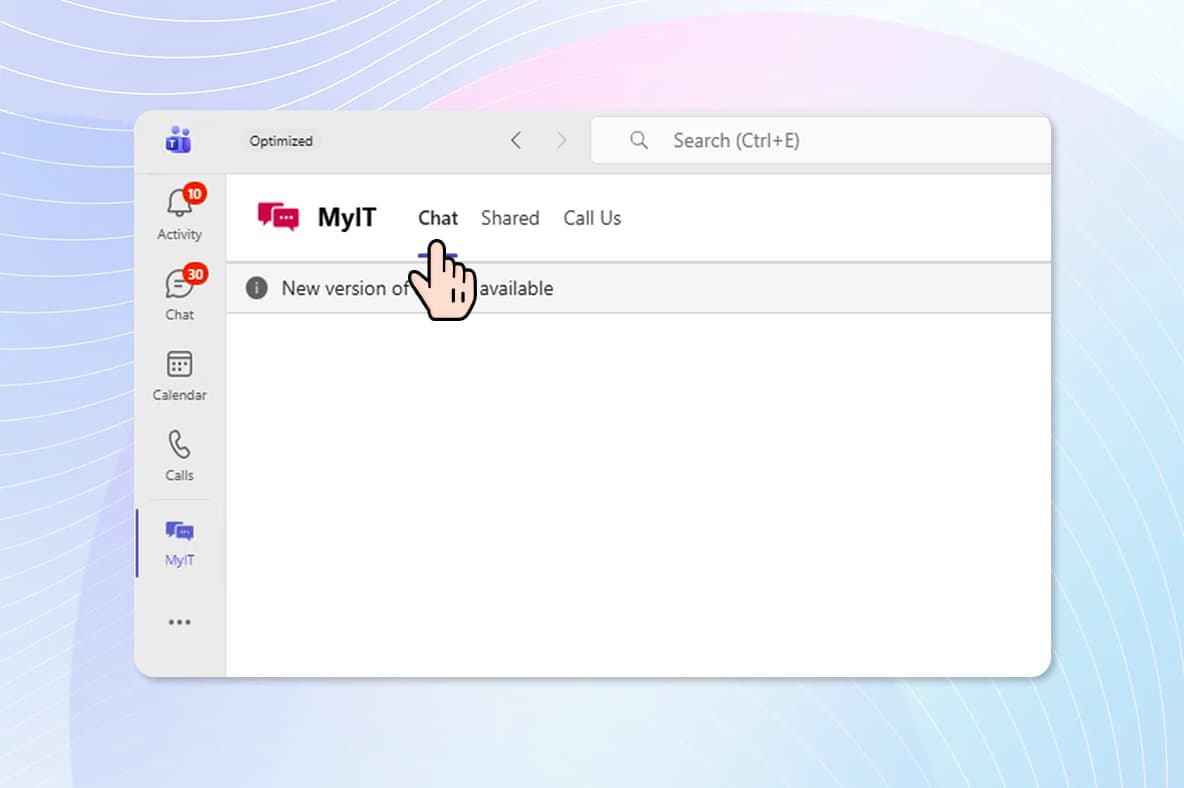
Step 3 - Chat
Select “Chat” (Preferred) to open a chat session with the MyIT Service Desk.
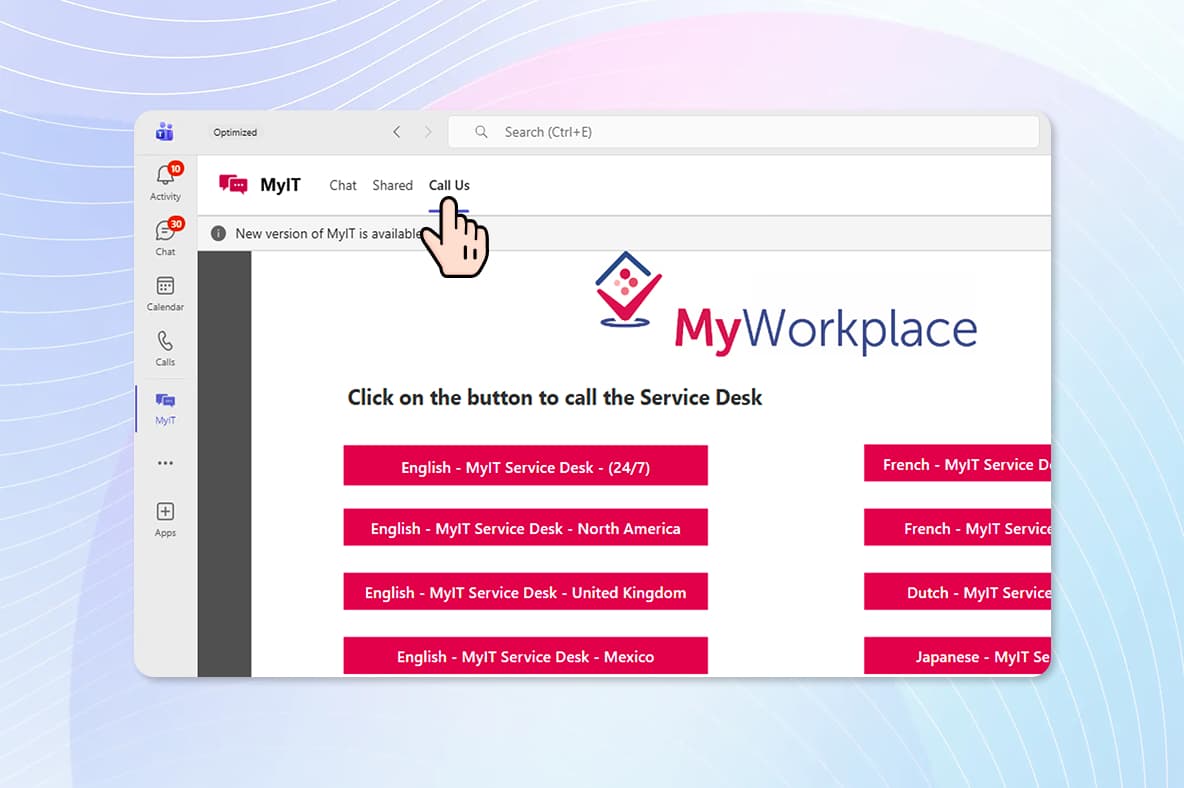
Step 3 - Call Us
Select “Call Us” to place a voice call to the My IT Service Desk from MS Teams