
Step 4
Step 4
Setting Up VDI or Laptop
Go to Step 4
External Workers
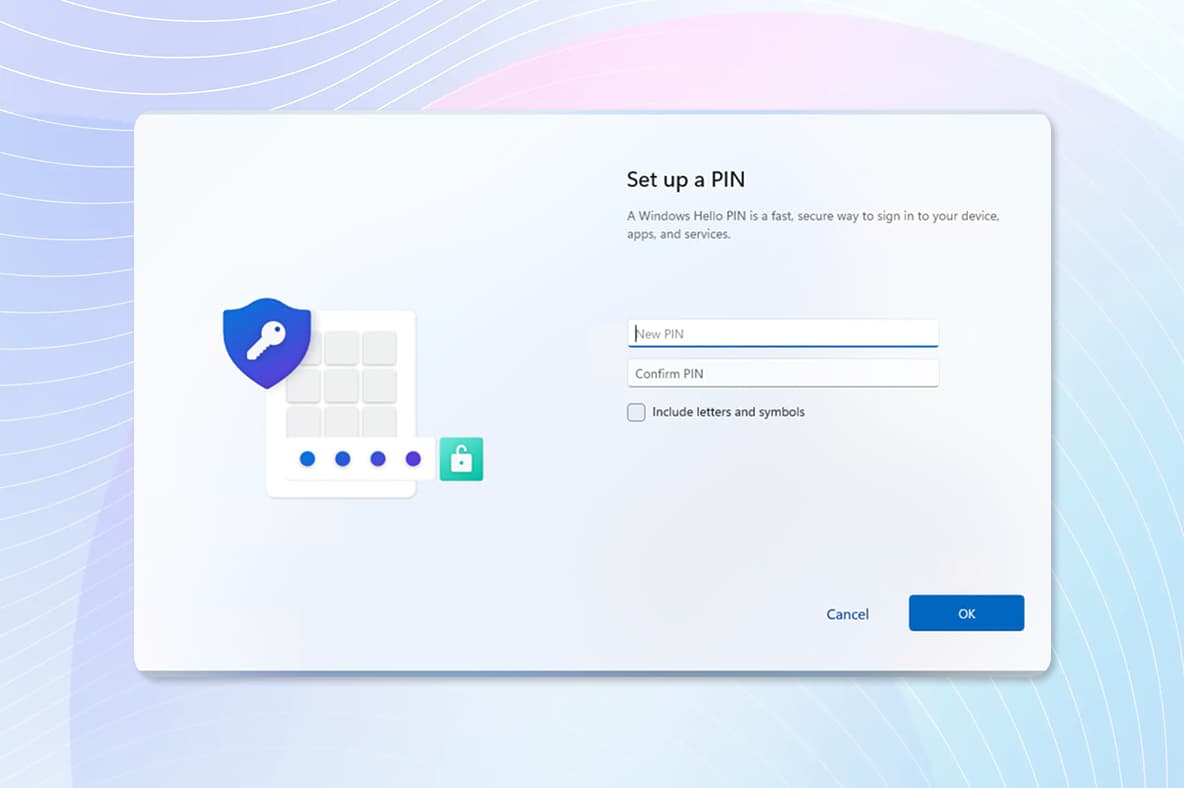
Set up Windows Hello for Business
When prompted, choose a sign-in method:
PIN
Fingerprint or facial recognition (if available)
Follow the instructions to complete setup
Confirm using MFA if requested
You can now sign in securely without entering your password each time.
Setup Microsoft Apps
For step-by-step instructions on how to configure Microsoft Teams, Outlook, and the Company Portal, please visit the FAQ section. You’ll find detailed guidance to help you complete the setup quickly and correctly.
You’re all set
Your onboarding is now complete. You can securely access company tools and applications through your Virtual Desktop.
If you need help, consult the FAQ section or contact the MyIT Service Desk.
Welcome aboard, and we wish you a great start!
Step 4
Setting Up VDI or Laptop
Go to Step 4
Before You begin
Go back and start from the beginning.
Start again